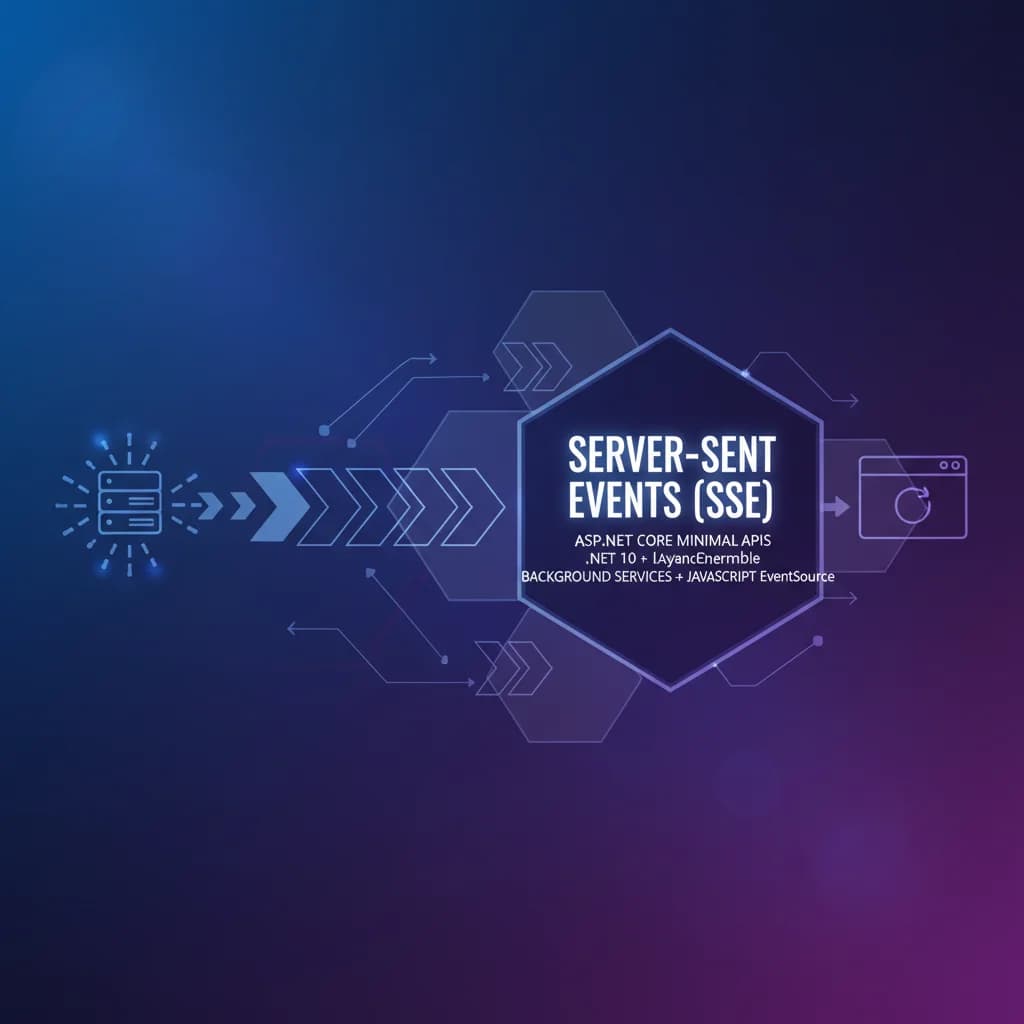
Like many .NET developers, I'm starting to look at the features coming in .NET 10, C# 14, and specifically ASP.NET Core. To my surprise, ASP.NET Core Minimal APIs now support Server-Sent Events (SSE). For folks who don't know what Server-Sent Events are, they are a unidirectional channel from the server to a client where a client can subscribe to events. SSE is handy for building live news feeds, stock ticker applications, or any system that has real-time information.
Inevitably, folks will ask, what's the difference between SSE and SignalR? The difference is that SSE is lighter than WebSockets, and you can implement an SSE solution using the HTTP protocol. Whereas WebSockets, SignalR's default operating mode, is a different protocol entirely. WebSockets are great, but the bidirectional communication between server and client adds additional costs that are typically unnecessary for the systems I mentioned previously.
In this post, I'll show you how to implement a straightforward SSE example using ASP.NET Core Minimal APIs, a background service, and some basic JavaScript.
The Anatomy of a SSE Endpoint
Starting in .NET 10, you can now use the TypedResults class to return a ServerSentEventsResult, which takes an IAsyncEnumerable<> instance and an event type.
using System.ComponentModel;
using System.Runtime.CompilerServices;

var builder = WebApplication.CreateBuilder(args);
builder.Services.AddSingleton<FoodService>();
builder.Services.AddHostedService<FoodServiceWorker>();

var app = builder.Build();
app.UseDefaultFiles().UseStaticFiles();

app.MapGet("/orders", (FoodService foods, CancellationToken token) =>
    TypedResults.ServerSentEvents(
        foods.GetCurrent(token),
        eventType: "order")
);

app.Run();
In this example code, the foods.GetCurrent method call returns an IAsyncEnumerable of food-based emojis. The cancellation token allows the client to unsubscribe, stopping the enumeration and server-side computation.
That's all you need; let's see our IAsyncEnumerable implementation.
Implementing an IAsyncEnumerable Food Service
While implementing an IAsyncEnumerable is straightforward, I wanted to write an implementation that synced all subscribers to a single source of truth. I accomplish this task in two classes: FoodService and FoodServiceWorker.
The FoodService implements an INotifyPropertyChanged and allows all subscribers to sync to get a single food item's Current value.
public class FoodService : INotifyPropertyChanged
{
    public FoodService()
    {
        Current = Foods[Random.Shared.Next(Foods.Length)];
    }

    public event PropertyChangedEventHandler? PropertyChanged;
    private static readonly string[] Foods = ["🍔", "🍟", "🥤", "🍤", "🍕", "🌮", "🥙"];

    private string Current
    {
        get;
        set
        {
            field = value;
            OnPropertyChanged();
        }
    }

    public async IAsyncEnumerable<string> GetCurrent(
        [EnumeratorCancellation] CancellationToken ct)
    {
        while (ct is not { IsCancellationRequested: true })
        {
            yield return Current;
            var tcs = new TaskCompletionSource();
            PropertyChangedEventHandler handler = (_, _) => tcs.SetResult();
            PropertyChanged += handler;
            try
            {
                await tcs.Task.WaitAsync(ct);
            }
            finally
            {
                PropertyChanged -= handler;
            }
        }
    }

    public void Set()
    {
        Current = Foods[Random.Shared.Next(Foods.Length)];
    }

    protected void OnPropertyChanged([CallerMemberName] string? propertyName = null)
    {
        PropertyChanged?.Invoke(this, new PropertyChangedEventArgs(propertyName));
    }
}
Now, I need a background service that updates the food choices at a timed interval.
public class FoodServiceWorker(FoodService foodService)
    : BackgroundService
{
    protected override async Task ExecuteAsync(CancellationToken stoppingToken)
    {
        while (!stoppingToken.IsCancellationRequested)
        {
            foodService.Set();
            await Task.Delay(1000, stoppingToken);
        }
    }
}
Now, let's write the HTML subscribing to the SSE endpoint defined in my simple sample.
Subscribing to SSE using JavaScript
In a new index.html file in wwwroot, I'll need to create a new EventSource object, listen for my order events to come through, and handle them appropriately.
<!DOCTYPE html>
<html lang="en">
<head>
    <meta charset="UTF-8">
    <title>Food Orders SSE</title>
</head>
<style>
    ul {
        display: flex;
        flex-direction: row;
        list-style: none;
        flex-wrap: wrap;
        width: 90%;
        gap: 1rem;
        padding: 0;
    }
    li {
        font-size: 2rem;
    }
</style>
<body>
    <h1>Khalid's Fast-Food Orders</h1>
    <ul id="orders"></ul>
    <script>
        const source = new EventSource("/orders");
        source.addEventListener("order", (event) => {
            const li = document.createElement("li");
            li.textContent = event.data;
            document.getElementById("orders").appendChild(li);
        });
    </script>
</body>
</html>
The EventSource API is built into all modern browsers and handles reconnection automatically. We listen specifically for the order event type that matches what we defined in our ASP.NET Core endpoint.
Conclusion
Server-Sent Events in .NET 10 are a welcome addition to ASP.NET Core Minimal APIs. The combination of TypedResults.ServerSentEvents and IAsyncEnumerable makes it incredibly clean to push real-time data from server to client without the overhead of WebSockets. If your use case is unidirectional — dashboards, notifications, live feeds — SSE is the simpler and more efficient choice over SignalR. Give it a try in your next .NET 10 project.