The .NET Modernization Challenge
If you've spent any time in the .NET ecosystem, you know the story: legacy applications built on .NET Framework 4.x sitting in production, reliably serving traffic, but increasingly difficult to maintain. Security patches slow down, NuGet packages drop support, and your team wants to use the latest C# features but can't justify the risk of a manual migration.
Microsoft has just made that modernization story significantly easier with the modernize-dotnet agent for GitHub Copilot — and it works everywhere you already write code.
What Is the Modernize-Dotnet Agent?
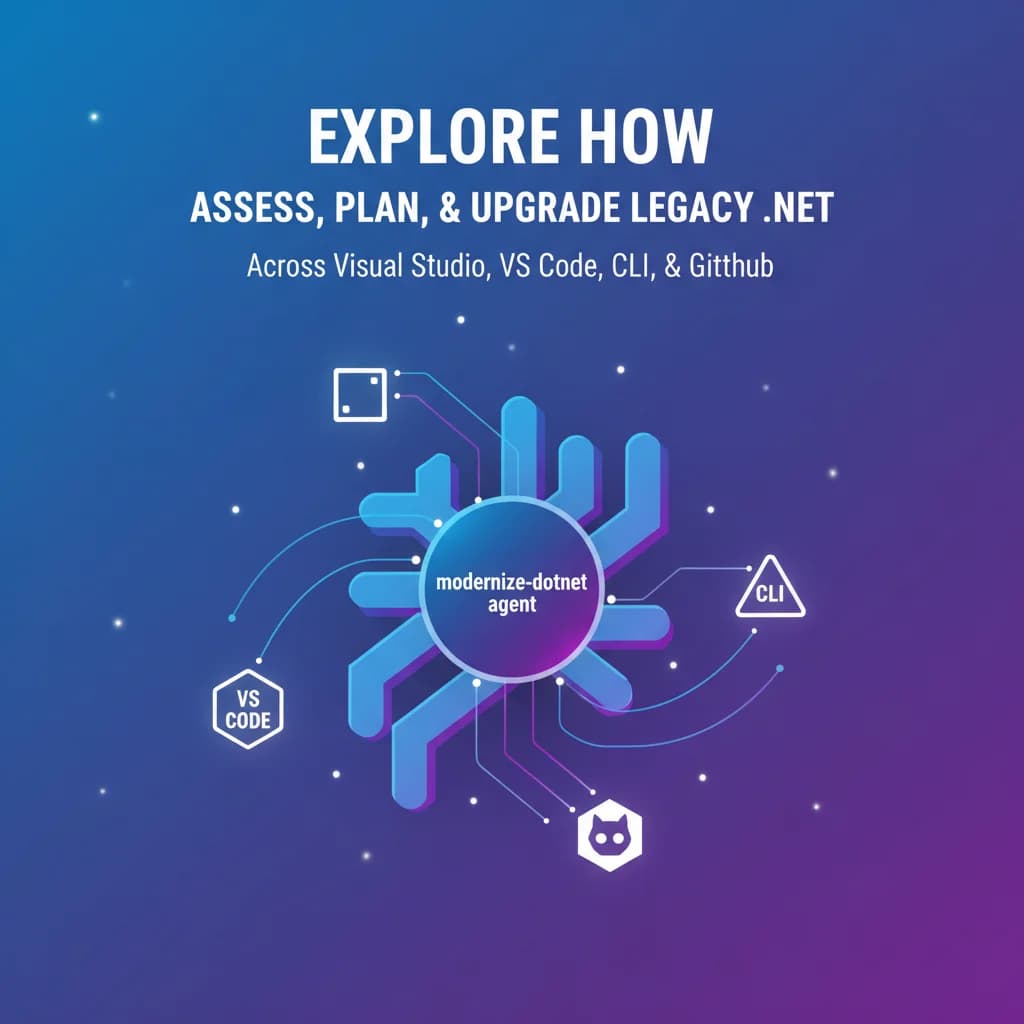
The modernize-dotnet agent is an AI-powered assistant purpose-built for .NET upgrade scenarios. Rather than offering generic code suggestions, it understands the specific challenges of moving from older .NET Framework versions to modern .NET (6, 7, 8, and beyond). It operates in three key phases:
- Assessment — Scans your solution to identify compatibility issues, deprecated APIs, and third-party dependencies that need attention.
- Planning — Generates a structured upgrade plan, prioritizing projects by dependency order and flagging high-risk areas.
- Execution — Applies targeted code transformations, updates project files, and modernizes API usage patterns.
This isn't a one-size-fits-all find-and-replace. The agent understands the semantic differences between frameworks and adapts its suggestions accordingly.
Available Everywhere You Code
What makes this release particularly compelling is the breadth of integration points:
Visual Studio
Directly within your IDE, invoke the agent through GitHub Copilot Chat. It has full context of your solution structure, project references, and build configuration. For teams already embedded in Visual Studio workflows, this is the lowest-friction path to modernization.
Visual Studio Code
The same agent capabilities are available in VS Code through the GitHub Copilot extension. This opens the door for developers on macOS and Linux who work with .NET cross-platform — a growing segment of the ecosystem.
GitHub Copilot CLI
For automation-minded engineers, the CLI integration is a game-changer. You can script assessment and planning steps into your CI/CD pipelines, generating upgrade reports as part of your regular build process. Imagine a nightly job that tracks your modernization readiness score over time.
GitHub (Web)
Perhaps the most interesting integration: trigger modernization workflows directly from your repository on GitHub. This enables team leads and architects to initiate assessments without needing a local development environment configured.
Why This Matters Now
.NET Framework 4.8 is in maintenance mode. While Microsoft hasn't announced an end-of-life date, the writing is on the wall — innovation happens exclusively in modern .NET. Every month you delay modernization:
- Security risk increases as the dependency ecosystem moves forward
- Developer productivity drops without access to modern C# features like pattern matching, records, and global usings
- Cloud optimization opportunities are missed since modern .NET delivers measurably better performance and lower resource consumption
The modernize-dotnet agent doesn't eliminate the need for engineering judgment, but it dramatically reduces the mechanical burden of migration. The tedious work of updating project files, replacing deprecated API calls, and resolving compatibility issues is exactly where AI assistance shines.
Practical Recommendations
Having worked through numerous .NET modernization efforts, here's how I'd recommend approaching this:
- Start with assessment, not execution. Run the agent in assessment mode across your entire solution first. Understand the scope before committing to timelines.
- Modernize leaf projects first. Libraries with no internal dependencies are the safest starting point. Build confidence before tackling your core business logic.
- Review every transformation. The agent is good, but it doesn't understand your business rules. Treat its output like any other pull request — review thoroughly.
- Combine with test coverage. If you lack tests for a project, write them before modernizing. The agent can help with that too.
Looking Forward
The modernize-dotnet agent represents a broader trend: AI tools moving from generic code completion toward domain-specific engineering workflows. Microsoft is betting that the highest-value use cases for AI in development aren't writing new code from scratch — they're transforming and maintaining the massive codebases that already exist.
For teams sitting on legacy .NET applications, the barrier to modernization just got significantly lower. The tooling now meets you where you are, whether that's Visual Studio, VS Code, the command line, or a browser tab.