When your CI pipeline takes 45 minutes and you're staring at thousands of log lines trying to figure out why, you know something is broken in the debugging experience. GitHub Actions logs tell you what happened, but they're terrible at showing you where time actually went.
That's exactly the problem Meziantou.GitHubActionsTracing solves.
The Problem with Raw Logs
GitHub Actions logs are sequential and text-based. They're great for understanding the output of a specific step, but when you need to answer questions like:
- Which step is the bottleneck in my 30-minute build?
- Are my matrix jobs actually running in parallel?
- Why did this workflow take 12 minutes yesterday but 25 minutes today?
- Where exactly did the flaky test retry kick in?
...you're left scrolling through walls of text, mentally reconstructing timelines, and comparing timestamps by hand. This doesn't scale, especially when you're managing multiple workflows across several repositories.
What Meziantou.GitHubActionsTracing Does
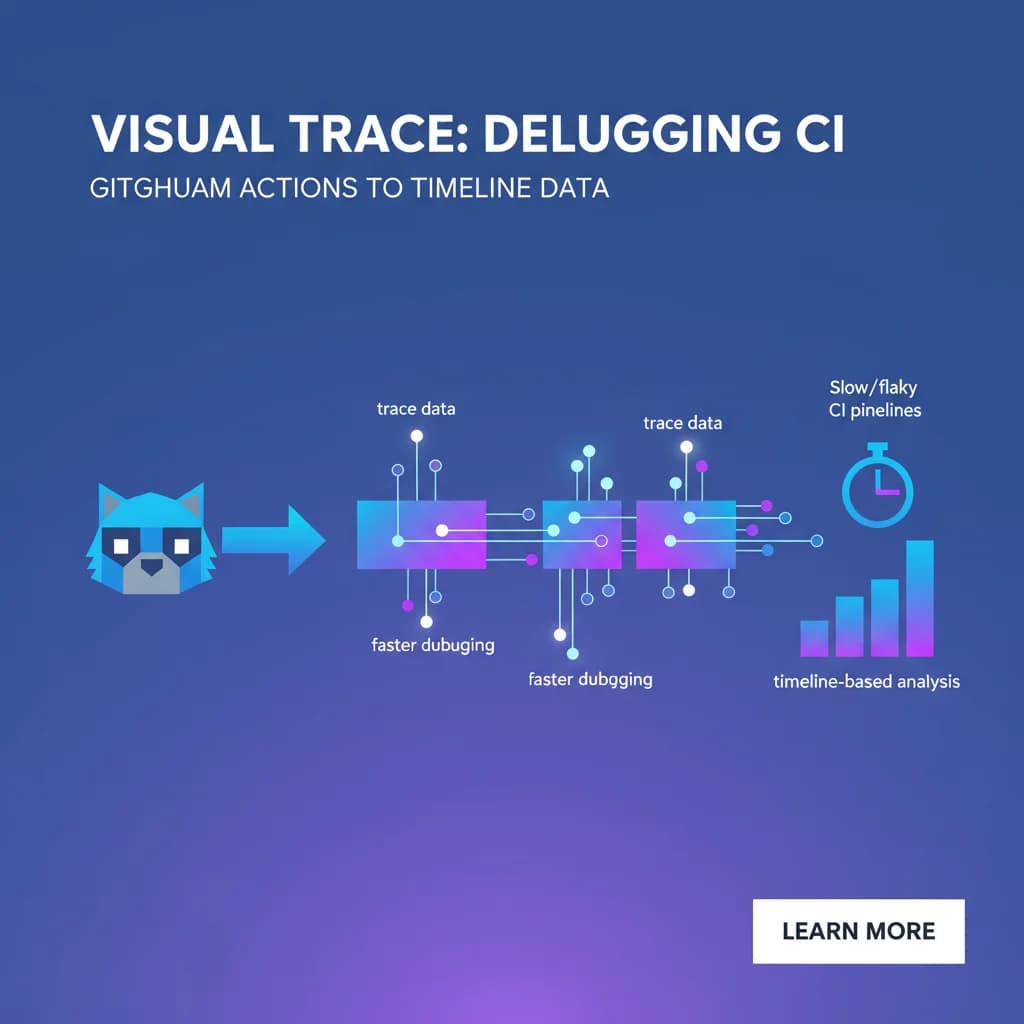
Meziantou.GitHubActionsTracing is a .NET tool that fetches workflow run data from the GitHub API and converts it into trace data — the same format used by distributed tracing systems. The output can be viewed in trace visualization tools like Jaeger, Zipkin, or even Chrome's built-in chrome://tracing viewer.
The result is a timeline view of your entire workflow run: jobs, steps, and their durations laid out visually. Instead of reading logs, you're looking at a Gantt-style chart that immediately reveals where time is spent.
Getting Started
Install the tool via .NET:
dotnet tool install --global Meziantou.GitHubActionsTracing
Then point it at a specific workflow run:
ghactions-tracing --owner your-org --repo your-repo --run-id 12345678 --token ghp_your_token --output trace.json
Open the resulting trace.json in your preferred trace viewer. I typically use Perfetto UI — just drag and drop the file.
What You'll See
The trace visualization gives you an immediate understanding of your workflow's execution profile:
- Job-level parallelism: See at a glance whether your matrix strategy is actually parallelizing work or if jobs are queuing behind each other due to runner availability.
- Step durations: Identify the slowest steps without doing mental arithmetic on timestamps. That
npm installtaking 4 minutes? It's obvious in the timeline. - Queue time: The gap between when a job is requested and when a runner picks it up is clearly visible. This is often the hidden cost in self-hosted runner setups.
- Retry patterns: If you're using retry logic for flaky tests, the timeline shows exactly how much time retries are costing you.
Practical Debugging Scenarios
Diagnosing a Slow Pipeline
I used this on a monorepo pipeline that had crept from 15 to 40 minutes over six months. The trace immediately showed that a Docker layer cache miss was causing a full rebuild in the containerize step — something buried in the logs but painfully obvious in the timeline as a single 18-minute block.
Catching Runner Starvation
On a self-hosted runner fleet, we noticed inconsistent build times. The trace view revealed that jobs were spending up to 8 minutes waiting for a runner. The logs showed no indication of this — the job simply started late. Without the timeline view, we would have blamed the build steps themselves.
Flaky Test Investigation
A test suite was intermittently adding 10 minutes to our pipeline. The trace showed the retry step executing three times on specific matrix combinations, correlating with a resource contention issue on shared test infrastructure.
Tips for Integration
- Automate trace generation: Add a post-workflow step that generates the trace file and uploads it as an artifact. This way every run has a visual record.
- Compare traces: Export traces from a known-good run and a slow run, then compare them side by side in Perfetto.
- Set budgets: Once you can see where time goes, set step-level duration budgets and alert when they're exceeded.
Final Thoughts
CI observability shouldn't require custom dashboards or expensive third-party tools. Meziantou.GitHubActionsTracing takes data GitHub already exposes and presents it in a format that makes performance problems immediately visible. If you've ever spent an hour debugging a slow pipeline by reading logs, this tool will save you significant time.
The shift from log-based debugging to timeline-based analysis is the same conceptual leap that distributed tracing brought to microservices. Your CI pipelines deserve the same treatment.