Streamlining Your Git Workflow with Visual Studio 2026: A Developer's Guide
Version control is the backbone of modern software development, and Git has become the undisputed champion of source control systems. With Visual Studio 2026, Microsoft has taken Git integration to new heights, offering developers a seamless experience that removes friction and amplifies productivity.
The Evolution of Git in Visual Studio
Visual Studio's Git integration has come a long way from the days of external tools and command-line workarounds. The 2026 release represents a paradigm shift in how developers interact with their repositories, bringing intelligent features that anticipate your needs and automate repetitive tasks.
AI-Powered Commit Suggestions
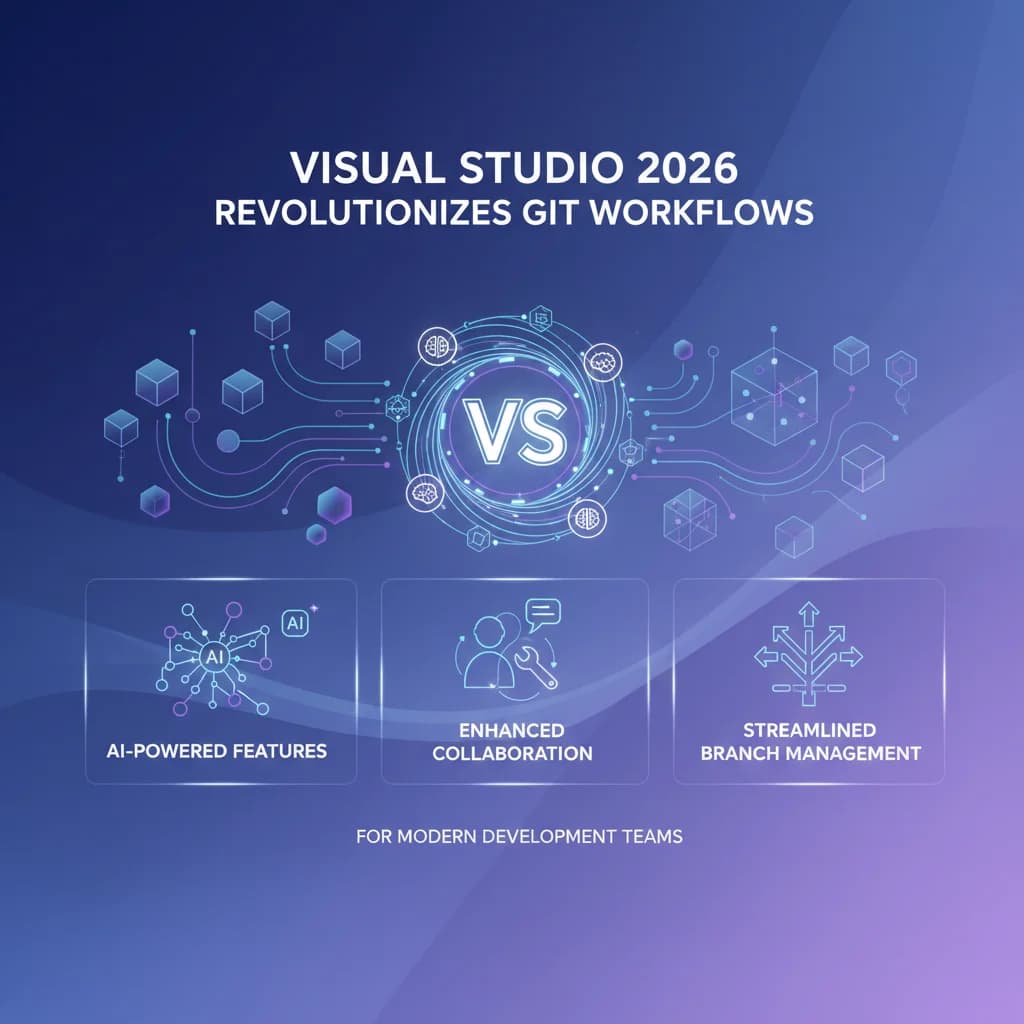
One of the standout features in VS 2026 is the intelligent commit message generator. By analyzing your staged changes, the IDE suggests contextually relevant commit messages that follow best practices. No more staring at a blank commit dialog trying to summarize your changes—the AI does the heavy lifting while you maintain full control to refine the message.
// Example: AI-suggested commit message
"feat(auth): implement OAuth2 refresh token rotation with 7-day expiry"
Enhanced Branch Management
The new Branch Explorer panel provides a visual representation of your repository's branch structure. Key improvements include:
- Smart Branch Cleanup: Automatically identifies merged and stale branches, suggesting cleanup operations
- Branch Health Indicators: Visual cues showing branches that are behind main, have conflicts, or need attention
- Quick Actions: One-click operations for common tasks like rebase, merge, and cherry-pick
- Protected Branch Warnings: Clear indicators when you're working on protected branches
Conflict Resolution Reimagined
Merge conflicts have always been a pain point for developers. VS 2026 introduces a three-way merge editor that's both powerful and intuitive. The new conflict resolver features:
- Side-by-side comparison with syntax highlighting
- AI-assisted resolution suggestions based on code semantics
- Inline acceptance of changes with preview
- Automatic conflict detection before you attempt to merge
Collaboration Features That Matter
Pull Request Integration
The integrated PR experience in VS 2026 eliminates context switching. You can:
- Create pull requests directly from your working branch
- Review and comment on PRs without leaving the IDE
- Run automated checks and view CI/CD status inline
- Use the new "Review Mode" that highlights only changed code paths
Live Share Git Sessions
Building on Live Share's success, VS 2026 introduces collaborative Git sessions. Team members can now:
- Pair on complex merge operations in real-time
- Share branch contexts during code reviews
- Collaboratively resolve conflicts with synchronized views
Performance Optimizations
For developers working with large repositories, VS 2026 delivers significant performance improvements:
- Partial Clone Support: Clone only what you need, fetching additional history on demand
- Background Operations: Git operations run asynchronously without blocking your workflow
- Intelligent Caching: Frequently accessed repository data is cached for instant access
- Scalar Integration: Built-in support for Microsoft's Scalar tool for massive repositories
Best Practices for Your New Workflow
To maximize these new features, consider adopting these practices:
Embrace Feature Branches: The improved branch management makes feature branch workflows more manageable than ever. Create branches liberally and merge confidently.
Commit Often, Push Smart: With AI-assisted commits, there's no excuse for vague commit messages. Commit frequently with meaningful messages, and use the new "Squash Preview" feature before pushing.
Leverage Git Hooks: VS 2026 provides a GUI for managing Git hooks. Set up pre-commit hooks for linting and testing to catch issues early.
Use the Git Graph: The visual Git history is more than eye candy—it's a powerful tool for understanding code evolution and planning merges.
Looking Ahead
Visual Studio 2026 represents Microsoft's commitment to making Git workflows accessible and efficient for developers of all skill levels. Whether you're a Git veteran or just starting your version control journey, these tools meet you where you are and help you grow.
The future of development is collaborative, and with these Git enhancements, Visual Studio 2026 positions itself as the IDE that truly understands modern team dynamics. Update your installation today and experience the difference a thoughtfully designed Git workflow can make.
What Git features would you like to see in future Visual Studio releases? Share your thoughts in the comments below.